
AI unboxing, ASMR, POV and virtual try-on video generator
Not every brand wants a talking face on screen. Apparel, jewelry, cosmetics, electronics, and home goods often convert better when shoppers see tactile hands-on proof—the box opening, texture close-ups, first-person usage, or how an outfit drapes in motion.
Category B of AlphaDrama's Commerce Video Studio provides 7 hands-on Unboxing & Try-On formats designed to lower buyer hesitation and reduce return rates.
Example: Upload 4 photos of a leather crossbody bag and generate a 15-second Mirror Try-On video paired with a Hands-Only compartment storage demo.
Immersive Unboxing, ASMR & Shopping Haul (3 formats)
Replicate the excitement of receiving a package without shipping samples or setting up overhead camera rigs:
- Immersive Unboxing (`unboxing`): layer-by-layer package reveal highlighting protective packaging, accessories, and first-touch details
- ASMR Silent Close-up (`asmr`): near-silent macro visual pacing focused on crisp unsealing, texture swatches, mist sprays, and tactile clicks
- Shopping Haul (`haul`): mobile order confirmation → parcel arrival → tabletop unboxing → immediate first-use reaction
Hands-Only Demo & First-Person POV (2 formats)
Put the viewer directly in the driver's seat with faceless product demonstrations that keep 100% of visual focus on the item:
- Hands-Only Demo (`hands_only`): clean tabletop or kitchen counter demonstration with synchronized voiceover and callout captions—no actor face required
- First-Person POV (`pov`): over-the-shoulder / first-person camera perspective where hands reach into frame to operate, pour, or apply the product
Mirror Outfit Try-On & Studio Lookbook (2 formats)
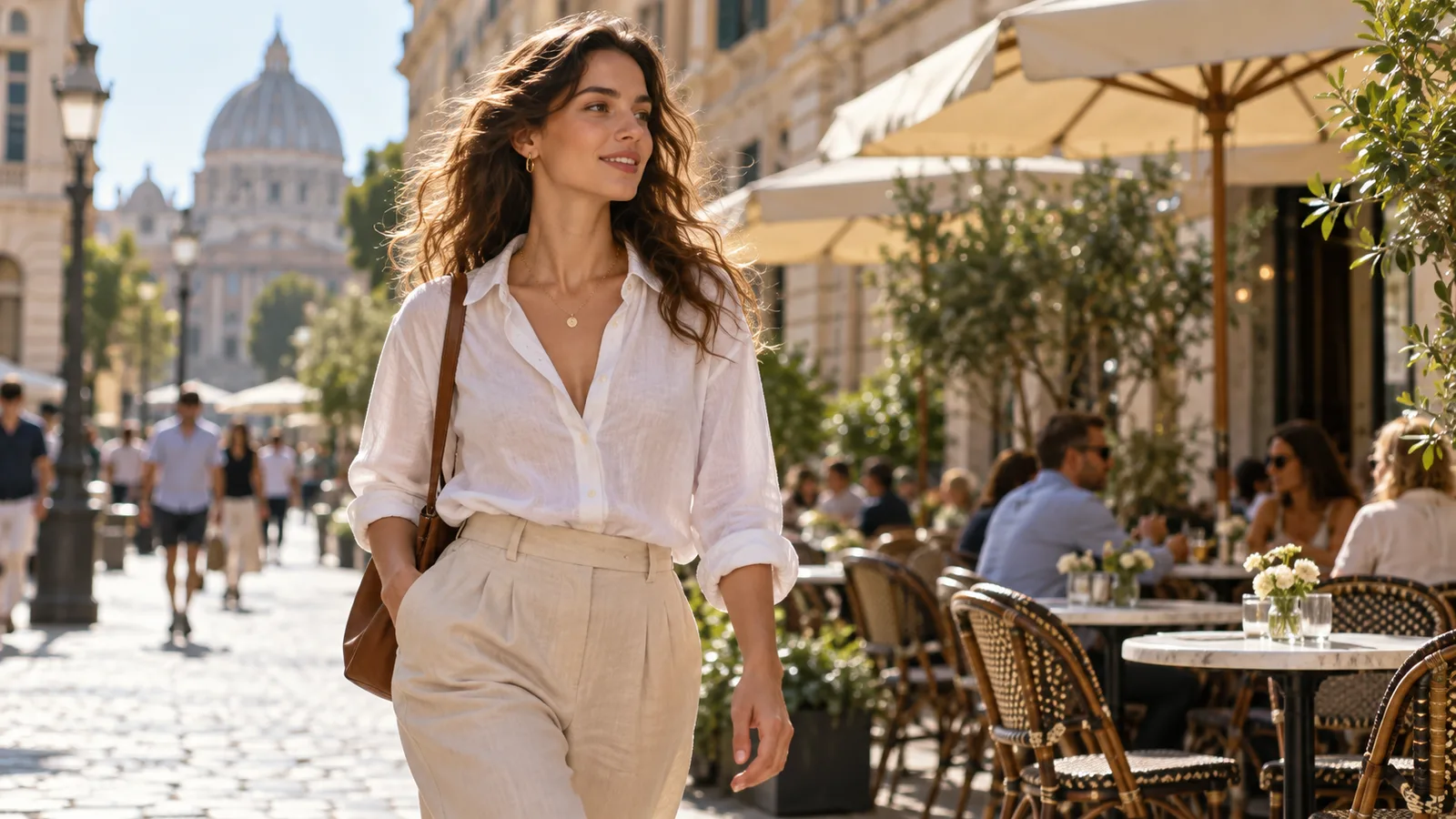
Built for fashion, footwear, bags, and wearable accessories where static flat-lays fail to communicate fit and movement:
- Outfit Try-On (`tryon`): full-length mirror check with natural turns, walking motion, and fabric drape
- Studio Lookbook (`lookbook`): seamless editorial backdrop with posed model transitions and smooth camera orbit
Consistent product geometry from your listing photos
Upload your front, back, and detail photos once. AlphaDrama builds a 4-view reference kit (front, 45-degree, in-hand scale, and back) so proportions and surface textures stay consistent across every unboxing and try-on cut.
How the tools differ
| Job | Creatify | Arcads | HeyGen | AlphaDrama |
|---|---|---|---|---|
| Core approach | Single-prompt script generator | Talking avatar video ads | Talking head presenter videos | Multi-shot storyboard studio (Hook → Demo → Proof → CTA) |
| Product accuracy | High hallucination / labels drift | Avatar holds synthetic object | Virtual background overlay | Locked to uploaded product photos (zero distortion) |
| Shot-by-shot control | One fixed cut or full rerun | Single continuous take | Single continuous take | Individual shot edit & re-render with exact cost preview |
| Failed render policy | Credits deducted upon attempt | Credits deducted upon attempt | Minutes deducted upon attempt | 100% instant automatic refund if render fails |
| Credit rollover | Monthly credits expire | Monthly credits expire | Monthly credits expire | Pack credits never expire; roll over indefinitely |
| Native export | Often requires manual cropping | Vertical MP4 | Horizontal default (crop for vertical) | Native 9:16 vertical MP4 with burned-in captions & voiceover |
How it works
Start with a story or a product
Paste a chapter, an outline or a one-line idea. For an ad, add product photos or a product link.
We cast, storyboard and voice it
Characters get fixed looks, scenes get sets, and the script is split into shots with voices and captions.
Review the price, then export
You see the cost before any video renders. Export a 9:16 file for TikTok, Reels and Shorts.
Frequently asked questions
Can I make faceless product videos with only hands and voiceover?
Yes. Select the Hands-Only Demo (`hands_only`), First-Person POV (`pov`), or ASMR Close-up (`asmr`) format to keep the focus entirely on the product and hands.
How many photos should I upload for an unboxing or try-on video?
We recommend 1 main front photo plus 2–4 detail, back, or packaging photos so the AI can accurately represent both the exterior and close-up details.
What aspect ratios are supported for marketplace listings vs social ads?
You can target 9:16 vertical for TikTok, Reels, and Shorts, 16:9 widescreen for Amazon product listings, or 1:1 square for Shopee and catalog carousels.
Can I edit individual shots if a hand gesture looks off?
Yes. Use the Refine drawer on the results page to adjust the prompt or re-render a single shot without paying to regenerate the rest of the video.
Related
Make your first video today
Sign up free and get starter credits. You see the price before anything renders.
Try this example