
AI video storyboard generator from a scene or outline
A storyboard is the difference between a prompt and a show. It is also the last place to fix pacing before you spend credits on pixels.
AlphaDrama breaks a scene into shots you can rewrite, retiming or delete. Video starts only after you accept that list and its price.
Example: Board this: INT. GALA - night. Wine hits Emma's dress. Hold on her face. Cut to the microphone. Do not cut away before she takes it.
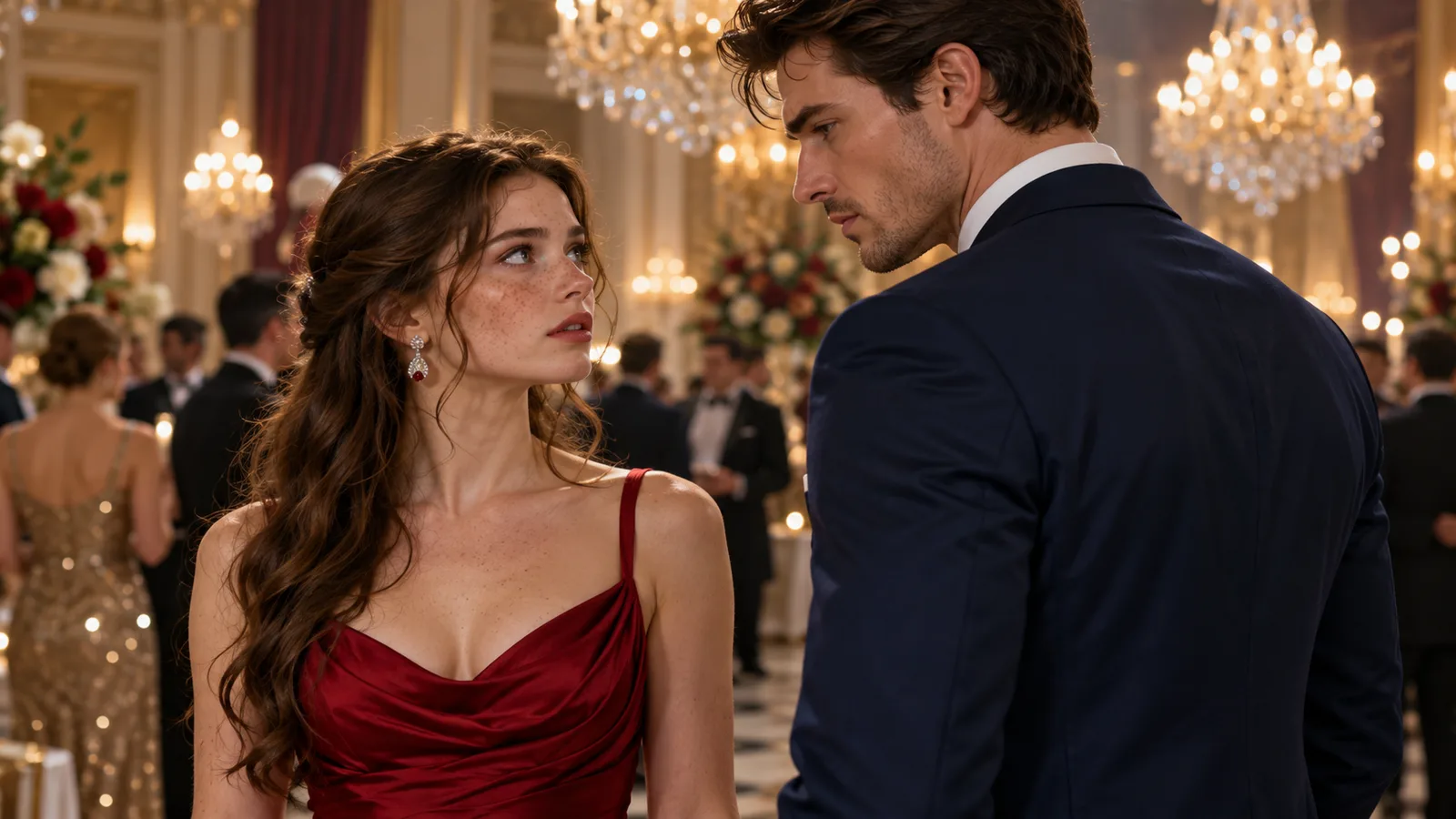
What each shot card holds
Framing (close-up, two-shot, insert), who is in frame, what they do, what they say, and how long the shot lasts. That is enough to judge an episode on paper.
Edit before you render
Cut the coverage that repeats. Merge two lines into one shot if the camera should hold. Split a reveal so the reaction gets its own card. This pass is where most series are won.
- Rewrite a line without regenerating the whole episode
- Change duration to hit a target runtime
- See the credit cost before any video job starts
Vertical boards, not film-school wide frames
The generator writes for 9:16. It prefers faces and hands over establishing masters. If you need a wide shot, you add it on purpose, not by default.
From novel, script or one-line idea
A chapter becomes scenes, then shots. A formatted script becomes shots that follow your slug lines. A logline is expanded first, then boarded. The storyboard is the shared middle for all three entries.
Why this page exists next to the drama generator
Some people come looking for a storyboard tool, not a "drama generator." The work is the same pipeline. If you already think in shots, start here; if you think in stories, start on the drama page. You still get a board you can edit.
How it works
Start with a story or a product
Paste a chapter, an outline or a one-line idea. For an ad, add product photos or a product link.
We cast, storyboard and voice it
Characters get fixed looks, scenes get sets, and the script is split into shots with voices and captions.
Review the price, then export
You see the cost before any video renders. Export a 9:16 file for TikTok, Reels and Shorts.
Frequently asked questions
Can I export the storyboard without rendering video?
You can stop after the shot list and rewrite it. Rendering is a separate, priced step.
Does it follow my script's scene headings?
Yes. Pasted slug lines and character cues are treated as source.
How many shots in a one-minute episode?
Often eight to twenty, depending on how often you cut. The board is there so you can decide.
Can I reuse a board for episode two?
Keep the project. The cast stays; the next episode gets a new board against the same world.
Related
Make your first video today
Sign up free and get starter credits. You see the price before anything renders.
Try this example