
AI lip sync video generator for talking characters
A drama dies when the mouth does not match the line. Viewers forgive stylized pictures; they do not forgive a lead who is clearly not speaking.
AlphaDrama voices the dialogue first, then generates on-camera speech so the mouth follows the audio for that character, on that locked face.
Example: Close-up: Emma, locked face, says "Say my name like I am not a stand-in." Lip-sync that line; cut to Ethan silent.
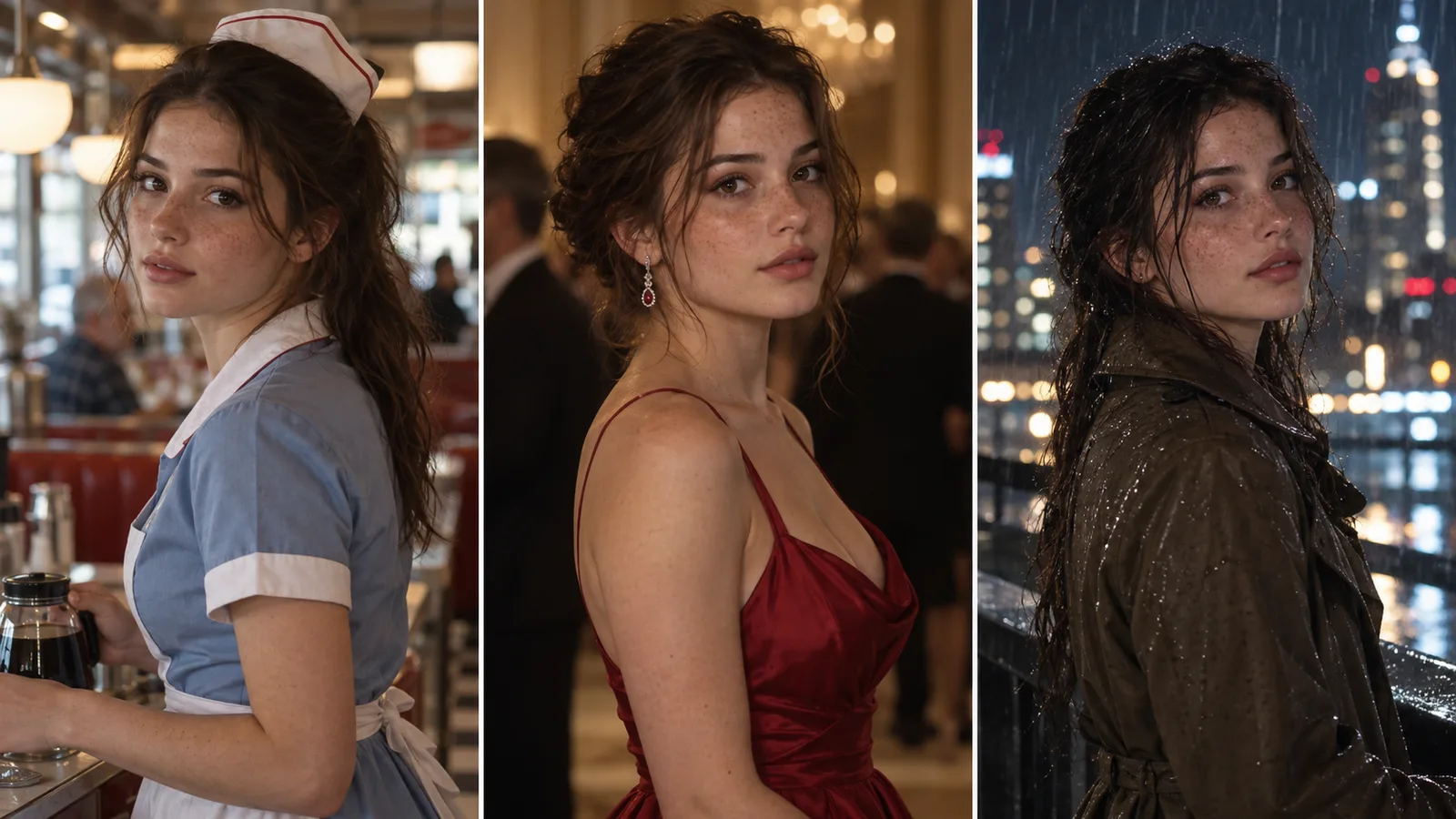
Lip sync after the cast is locked
Syncing a random generated face to a random take still looks like a deepfake demo. Syncing a known lead to a line they were written to say looks like a scene. The order is: lock the face, record or generate the line, then render the talking shot.
What gets synced, and what does not
On-camera dialogue is the target. Narration and off-screen lines stay on the voice track and do not force a mouth to move. Reaction shots stay reactions.
- One speaker per close-up when you can
- Short lines lip-sync more cleanly than speeches
- The same voice stays attached to the same character
Write lines the mouth can finish
Vertical drama already wants short sentences. Lip sync wants that even more. Cut nested clauses. Put names and turns on their own line so the face has a beat to land them.
When a take misses
If the mouth drifts, regenerate that shot from the same audio and the same face reference. Do not re-cast the character to "fix" sync; that creates a new person.
Drama first, not a talking-head toy
This is not a standalone lip-sync app for a selfie. It sits inside the episode pipeline: script, cast, storyboard, voice, then the talking shots that need it. Use it when a character is on camera and speaking.
How it works
Start with a story or a product
Paste a chapter, an outline or a one-line idea. For an ad, add product photos or a product link.
We cast, storyboard and voice it
Characters get fixed looks, scenes get sets, and the script is split into shots with voices and captions.
Review the price, then export
You see the cost before any video renders. Export a 9:16 file for TikTok, Reels and Shorts.
Frequently asked questions
Does every shot get lip sync?
No. Only shots where a character speaks on camera. Narration and silent reactions stay as they are.
Can I use my own recorded voice?
You can bring your own voice where the studio allows an upload; otherwise pick a voice and keep it on that character.
Will the face stay the same while talking?
That is the point of locking the portrait first. Sync is applied to that reference, not to a new generated stranger.
What language works best?
English voices are the default on the global site. Keep one language per episode so the mouth and the captions match.
Related
Make your first video today
Sign up free and get starter credits. You see the price before anything renders.
Try this example